|
MCE Optibay Install Guide
Posted: Dec 27th, 2010
(from a reader mail. Every time one of these kits is mentioned I get mails about lower cost/generic kits, etc. I realize there are much cheaper options than the 'name brand' kits like the Optibay and others. OWC also has their own version called the Data Doubler for MacBook/MacBook Pros and 2009 Mac Minis and 2009/2010 iMacs.)
When I got the MacBook Pro i7 I decided to replace the optical drive with another hard drive instead. The reason is: not using the superdrive. Here are some pictures from that operation.
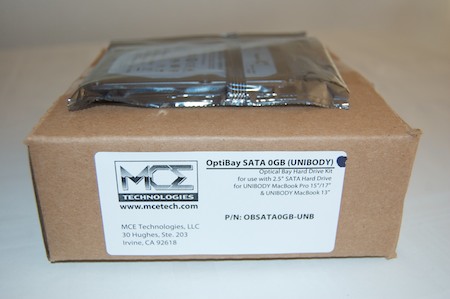
The OptiBay and the drive I am going to use:
What you get in the box:
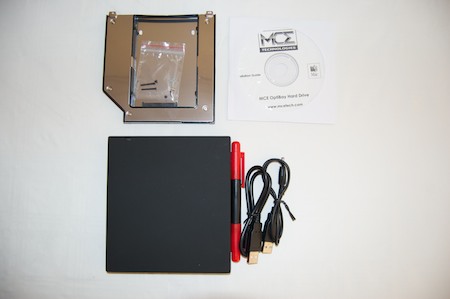
You get tools to do the job when you order this kit:
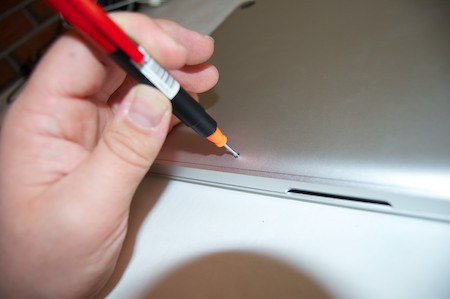
Lay out the screws this way so you know where to put them when you are going to assemble the laptop again. Note the three longer screws. (I often use a sheet of cardboard for this - drawing an outline of the area and pressing screws into the cardboard at the locations they were removed.-Mike)

The insides, Apple has done a good job on the layout. The Unibody macs are easy to fix / upgrade.
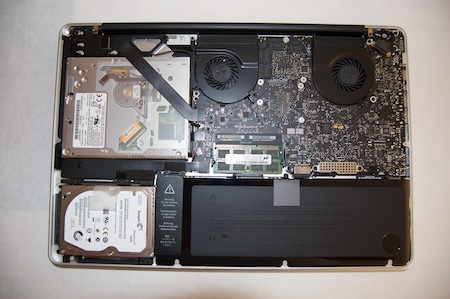
Taking out the superdrive. Again, very easy to do. You get good instructions along with the optibay purchase..
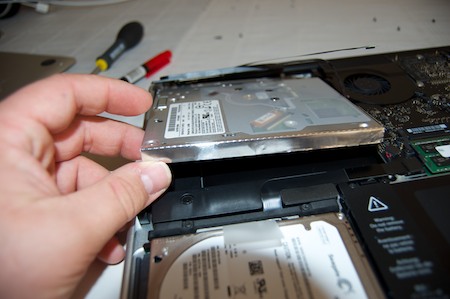
The harddrive mounted inside:
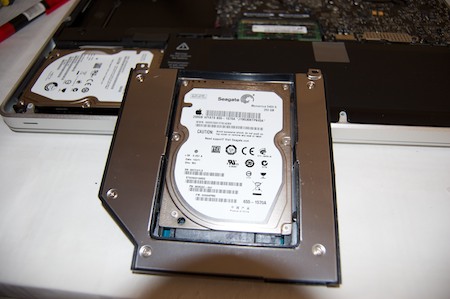
Superdrive replaced with optibay:
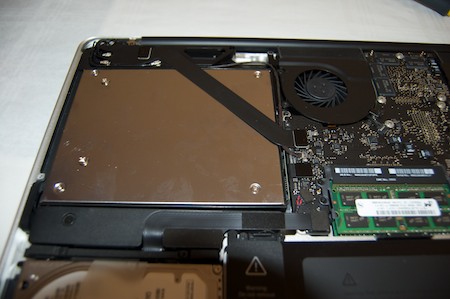
Two harddrives in a laptop. Nice.
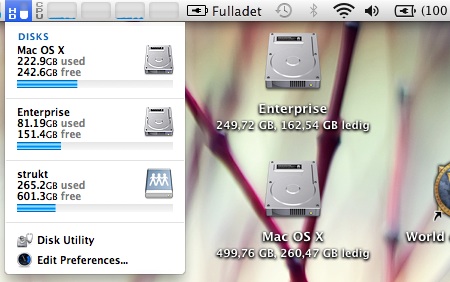
After the images was taken I decided to buy two Intel 2.gen 80GB SSD drives instead. I also decided to JBOD them. With an active Time Machine backup of course!
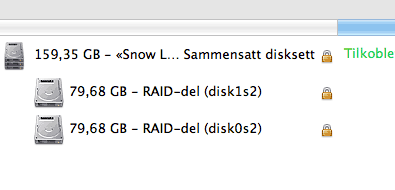
A fun thing to do a rainy afternoon... or cold / snowy here in Norway. Take care people.
Regards
Bjornar K.
http://www.all-about-apple.com (Apple MacBook Pro and More...)
| 