Photo Gallery/Guide - iMac eSATA Mini-PCIe Card Install/Mod
Last Updated: Sept 24th, 2010
(Apr 11, 2014: Added SI3132 driver note on 10.9.x)
(This is the 2nd report on using the mini-PCIe SATA card in an iMac that was previously used for mac mini eSATA mod. This one however has many photos of the steps along the way. He used a (modified) eSATA Port bracket at the bottom of the iMac, rather than just running the cables from the card to external drives as done in some earlier mods. Nice job.)
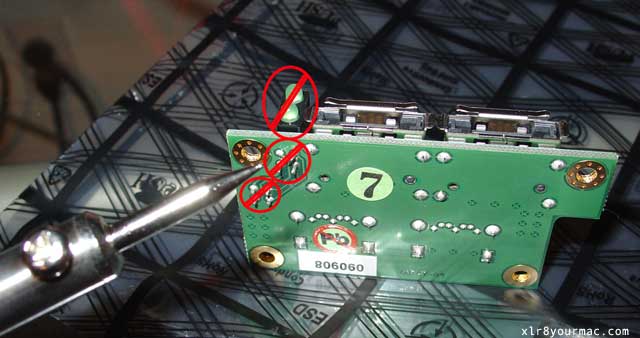
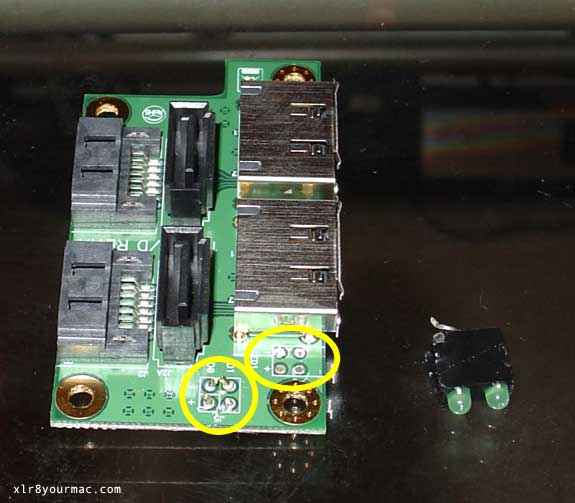
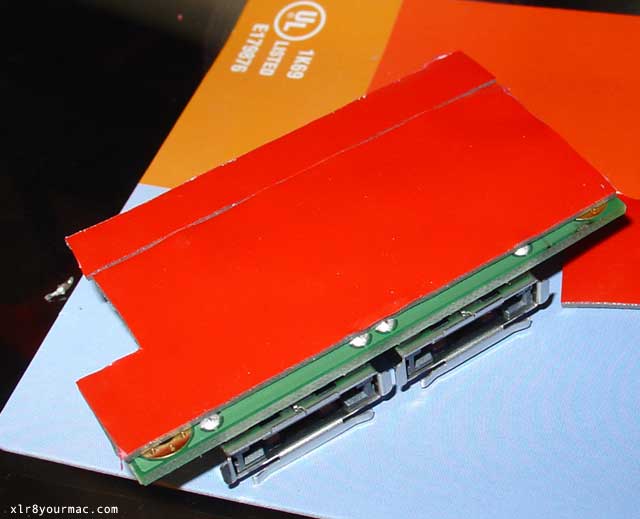
After reading your site I decided to try to install 2 eSATA ports on my iMac 2009 3.06 Core 2 Duo using the Commell MPX-3132 mini PCIe SATA card at www.commell.com.tw. (see below for driver info.) The eSATA bracket I used was from www.satacables.com - I removed the bracket, LEDs and Pins so it would fit. I used 3M mounting tape to mount it to the case.
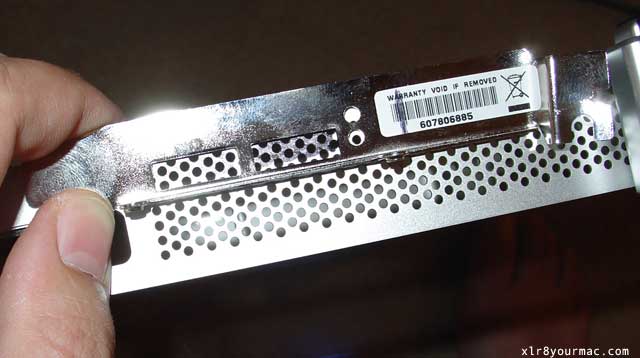
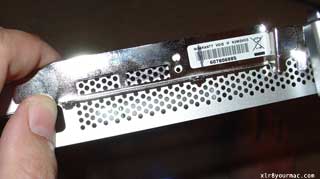
Here is a pic of the bracket:
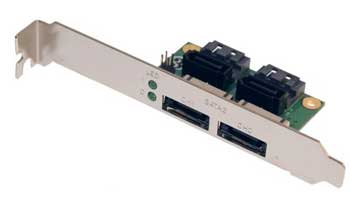
Thanks for all your help - here are the pics of my results.
-Mark
SATA Mini-PCIe Card Kit
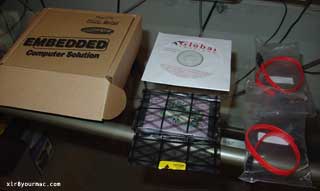
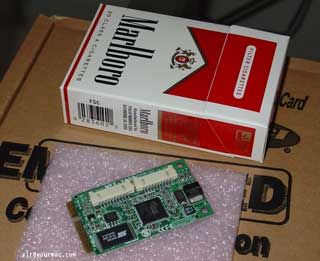
Mini-PCIe Card Size Comparison
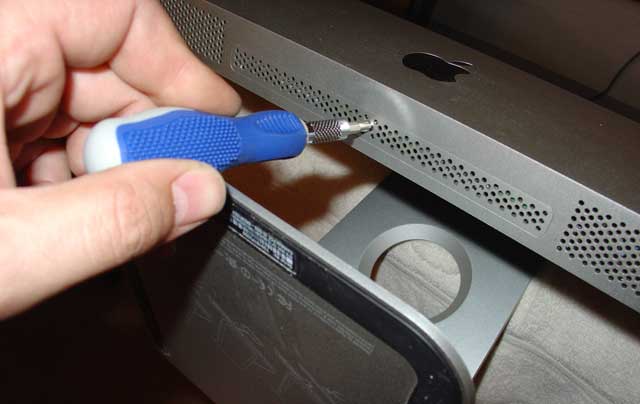
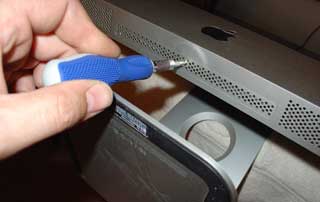
Removing Lower Cover Plate on iMac
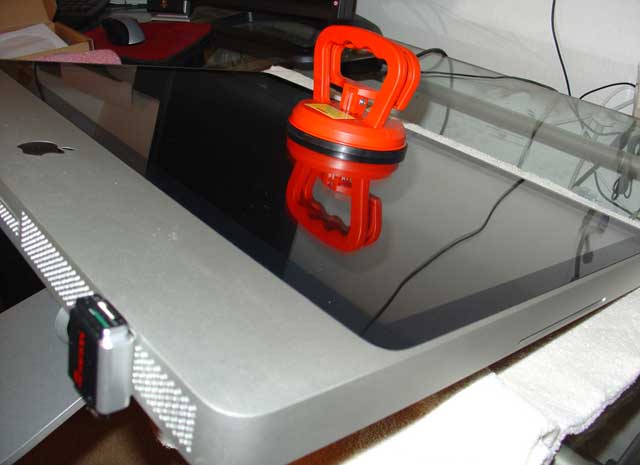
Removing iMac Display Glass
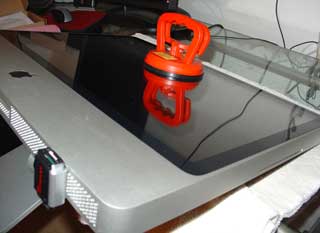
(Suction Cups like this can be bought at Home Depot, etc.)
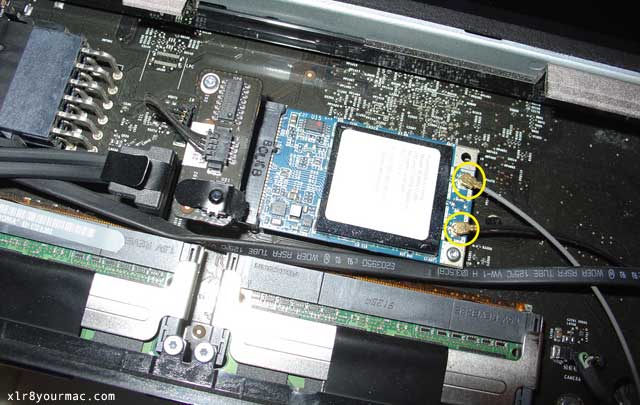
Pix of iMac Airport Card (Mini-PCIe)
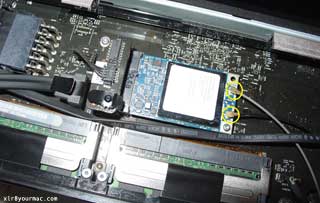
Pix of Airport Cables Tucked Away
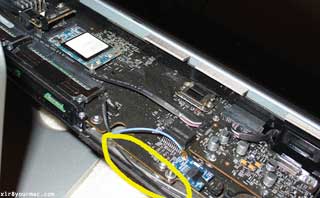
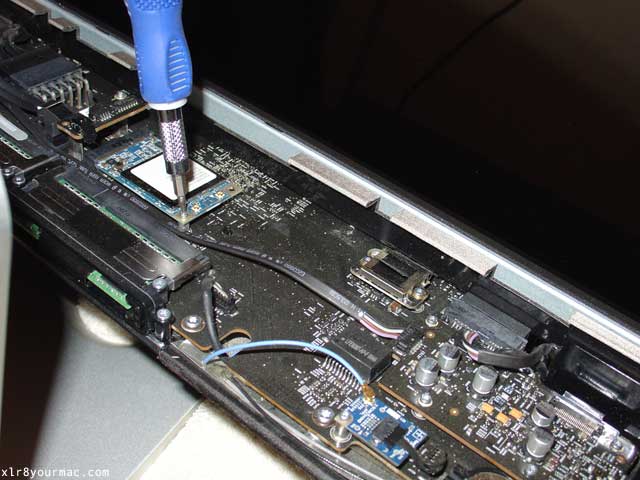
Removing Airport Card Mtg Screws
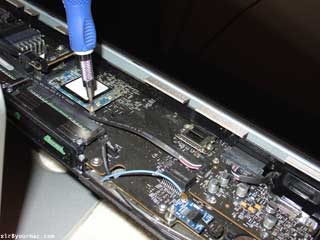
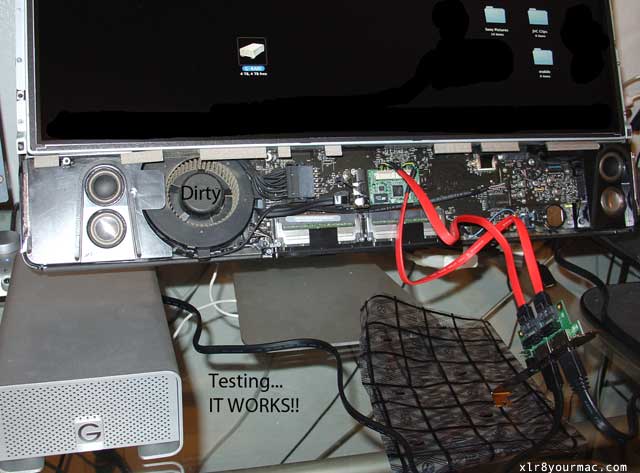
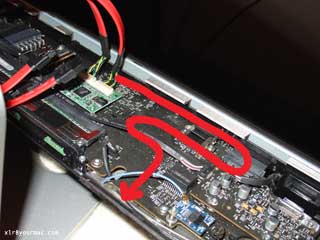
Path of eSATA Cables
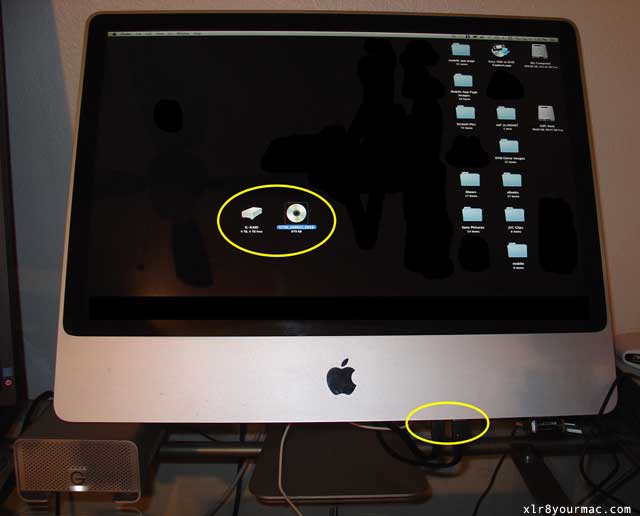
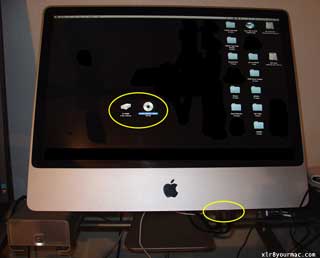
Testing eSATA (Verifying it Works)
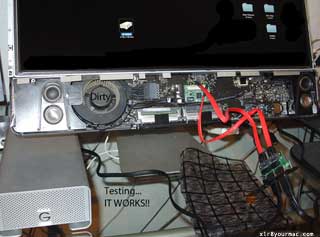
(NOTE: You must install OS X drivers for the 3132 card before it can be used.
Reference drivers are at www.siliconimage.com/support/ (requires Javascript enabled)
and select "Sil3132 PCI Express (1x) to 2 Port SATA300" from the "Product Support" Menu
to see a list of drivers for OS X. (IIRC, most use the non-RAID in the past but YMMV.)
FYI: If you install a major OS X upgrade (10.6 over 10.5, 10.7 over 10.6, etc) it may require a driver reinstall.
Per an April 11th, 2014 report, the SI3132 v1.2.5 SATA drivers still worked in OS X 10.9.x.)
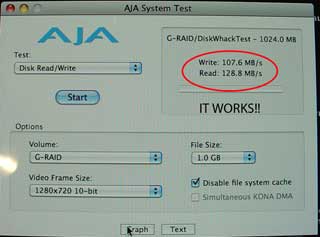
AJA Kona Benchmark Test
Removing Bracket from eSATA PCI Slot Adapter

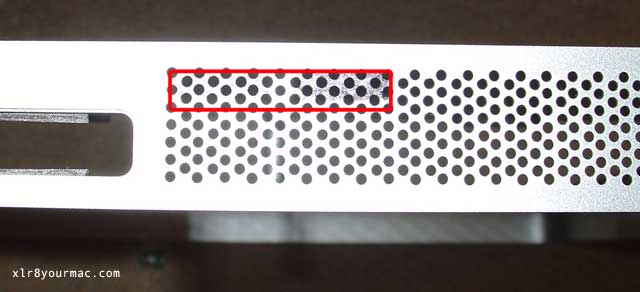
Using PCI Bracket as Template for Holes
eSATA Cable Exit Hole Marked
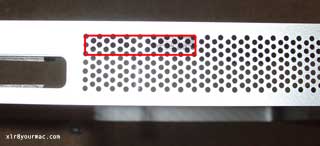
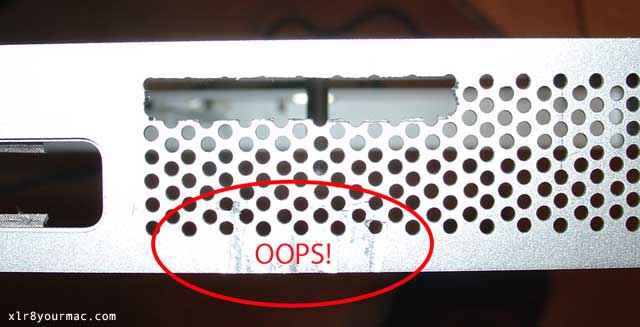
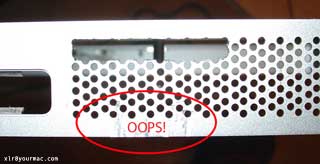
Watch for Burrs (deburr cutout edges)
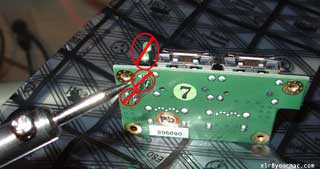
Remove LED from Bkt (unsoldering)
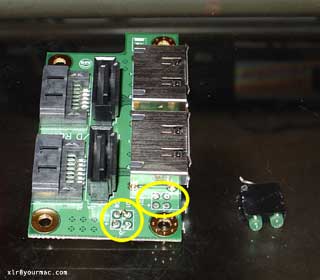
LED Removed
Mount with 3M (Dbl-Sided Adhesive) Tape
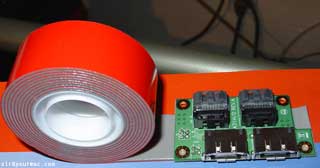
Bottom View with 3M Adh Tape Applied
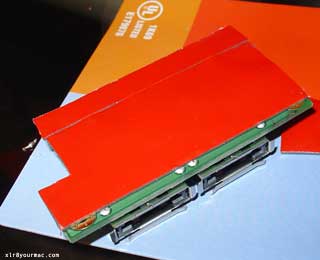
eSATA Ports Board in Place
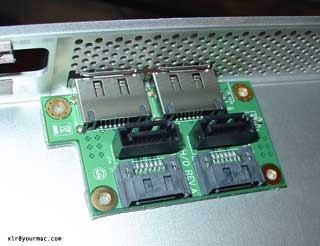
View of Bottom Plate Cutout w/Ports Installed
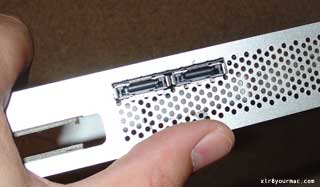
eSATA Cables Plugged-In
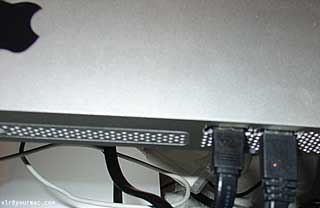
Completed!
|